Redesign a room
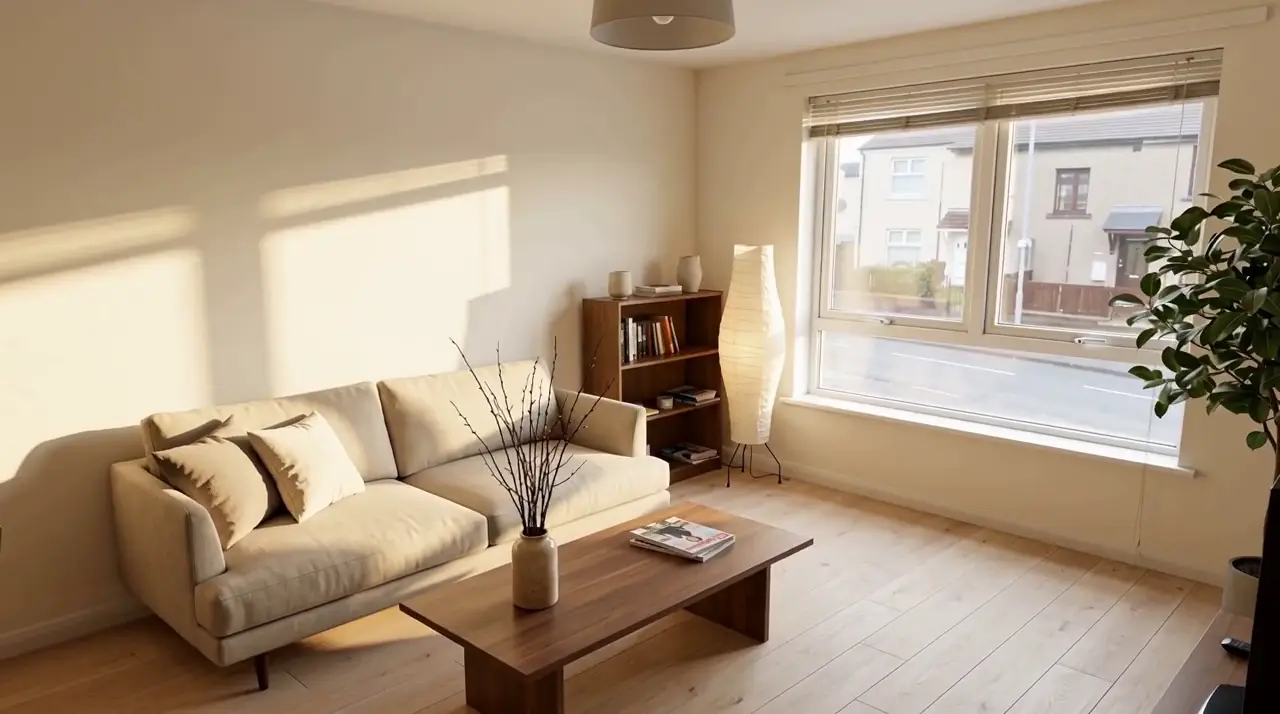 AI redesign
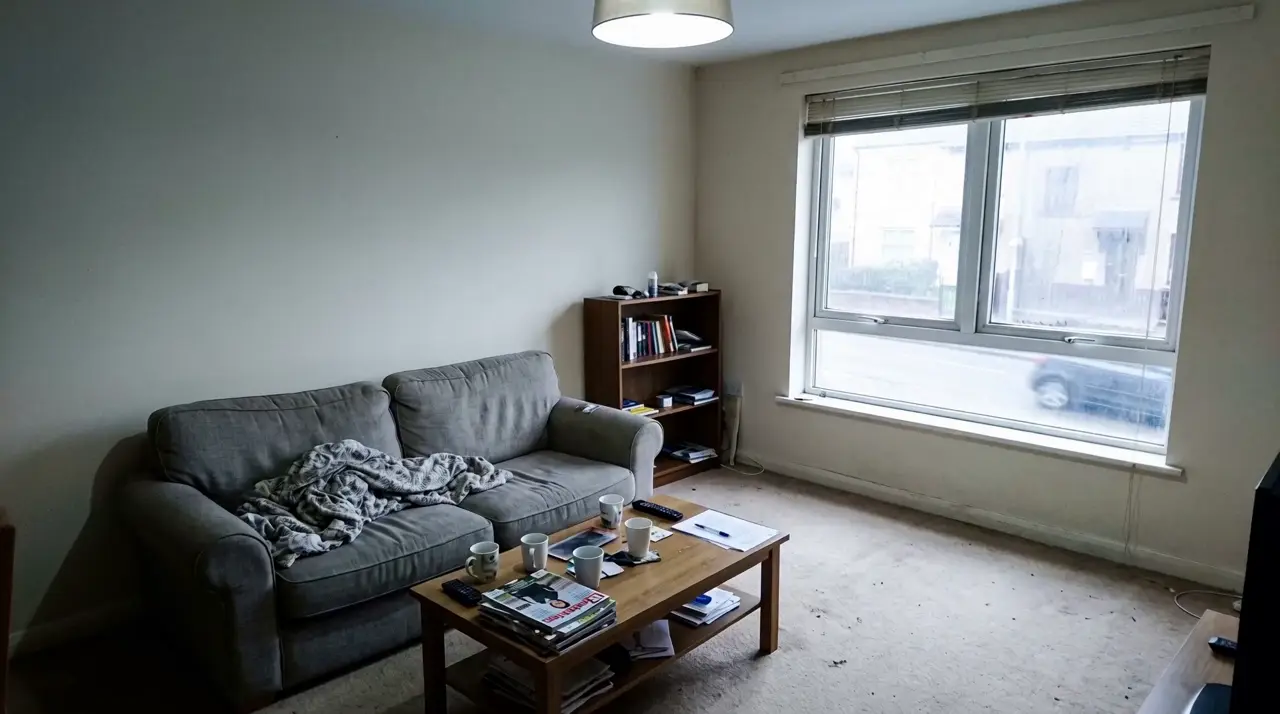 Before
Drag to compare. An example redesign, ready to explore.
Try the room. Before the renovation.
A warmer kitchen. A calmer bedroom. A living room that finally feels like you. Explore a new direction from one photo, then compare it with the space you know.
- 1Choose a style
- 2Upload your room
- 3Compare, download or animate
First redesign free with a new account. More redesigns use credits.
Try one room before signing up · no subscription required
One result opens up the next idea.
Keep a design you love, then turn it into a walkthrough or a print-ready image.
Before you redesign your room
How do I redesign my room from a photo?
Create an account, upload a room photo and choose a style. Generate a concept, compare it with the original and download the result.
Is the first room redesign free?
Yes. New accounts receive a first room redesign free. Additional redesigns use credits. One-off packs cost US$10 for 80 credits, US$50 for 400 or US$200 for 1,600. There is no subscription.
Is this a measured room planner or a renovation drawing?
MagicMakerAI creates visual concepts from a photo. AI can change walls, windows, furniture or proportions. Check the result against your original photo. It does not replace measurements, construction drawings or professional advice.
How is room redesign different from the 3D studio?
Room redesign produces an image from a photo and a style. The 3D studio lets you arrange objects and walls in an editable scene, then render or export it. AI-generated objects and photo-to-room use credits.
Can I download a print-ready room image?
Download your generated result, or choose the optional US$6 print-ready 2K unlock when offered for your redesign.
Keep exploring
Start with words, a photo or a 3D scene.
Choose the tool that fits your project.
 5 free images each weekCreate an imageCampaigns, concepts or something nobody has seen yet. Start with a few words.
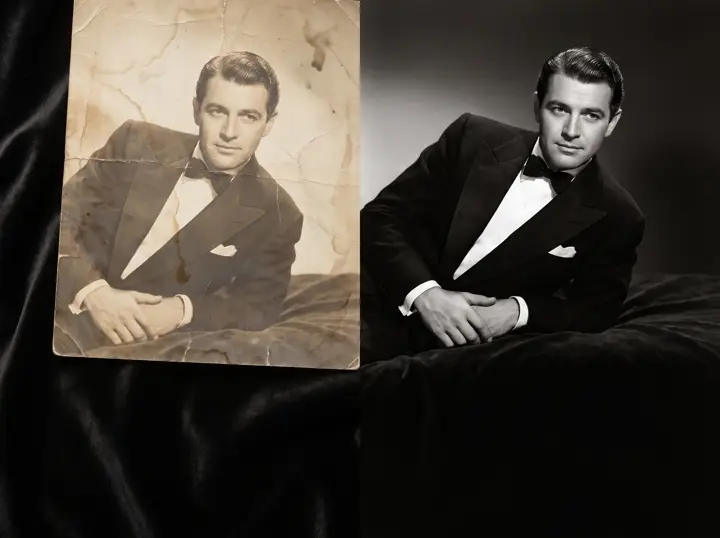 Uses creditsImprove a photoRestore, upscale and clean up a favourite.
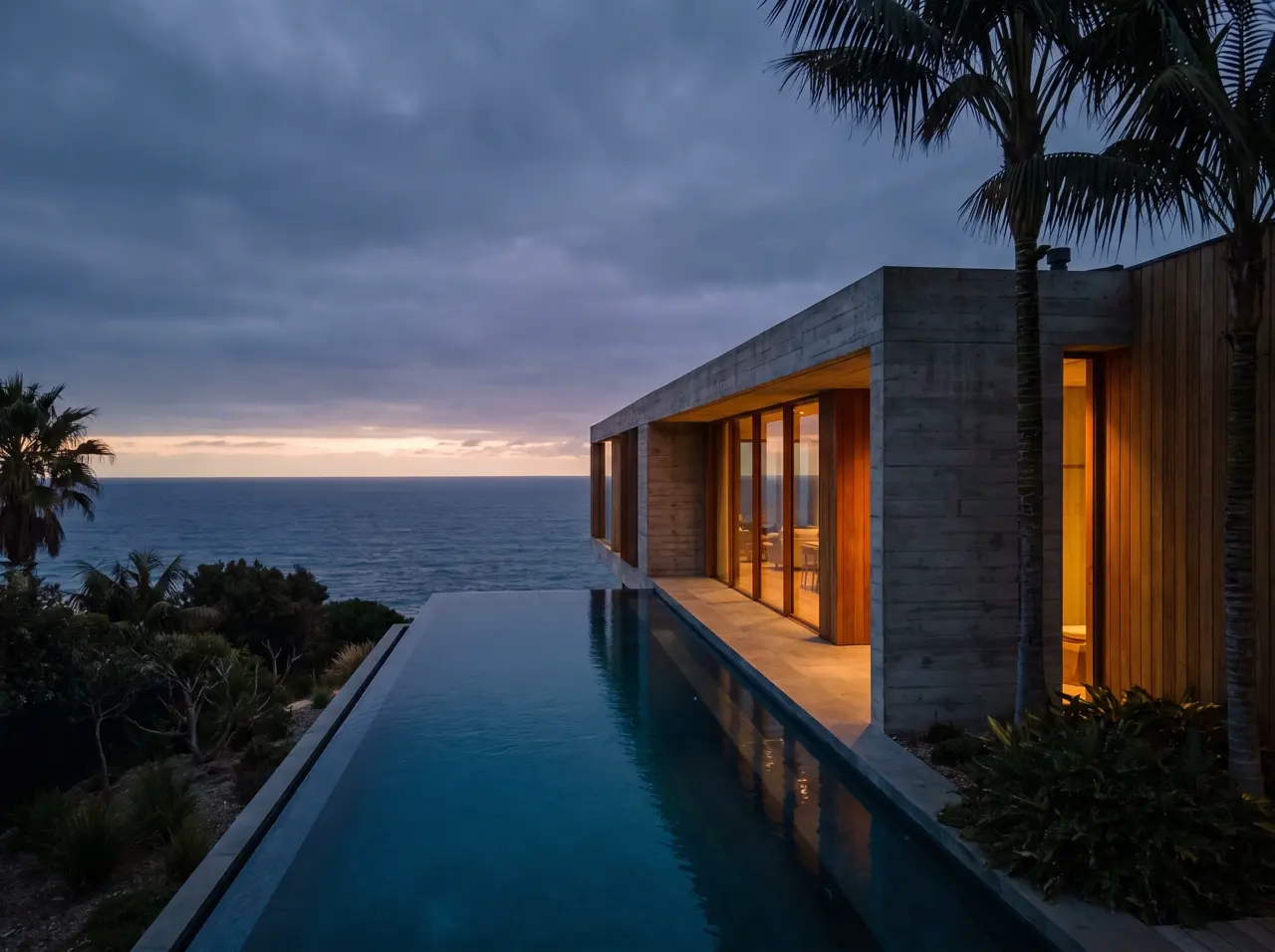 Uses creditsMake a videoTurn a still into a scene that moves.
 Explore the sample freeExplore in 3DArrange a scene. Find your angle.